A pouch that’s too tight won’t seal cleanly. One that’s too loose can bunch up, distort your camera, and make the touchscreen maddening. Sizing your waterproof pouch correctly is the difference between smooth snorkeling shots and a soggy disappointment. This step-by-step waterproof phone pouch size guide is written for swimmers and snorkelers who need a confident fit for real submersion.
What you’ll need: your phone with the everyday case installed, a ruler or tape measure (imperial or metric), and the pouch’s interior dimensions or “fits up to” specs from the product page.
How this guide works: measure your phone with the case → add a small clearance buffer → match your result to the pouch’s interior size. Then confirm that seals and closures don’t steal more space than you expected and run a simple dry leak test before heading into the water.
Measure and match — your waterproof phone pouch size guide steps
Accurate measuring and a small buffer eliminate guesswork. You don’t need calipers—just consistency and a minute of focus.
Take accurate measurements
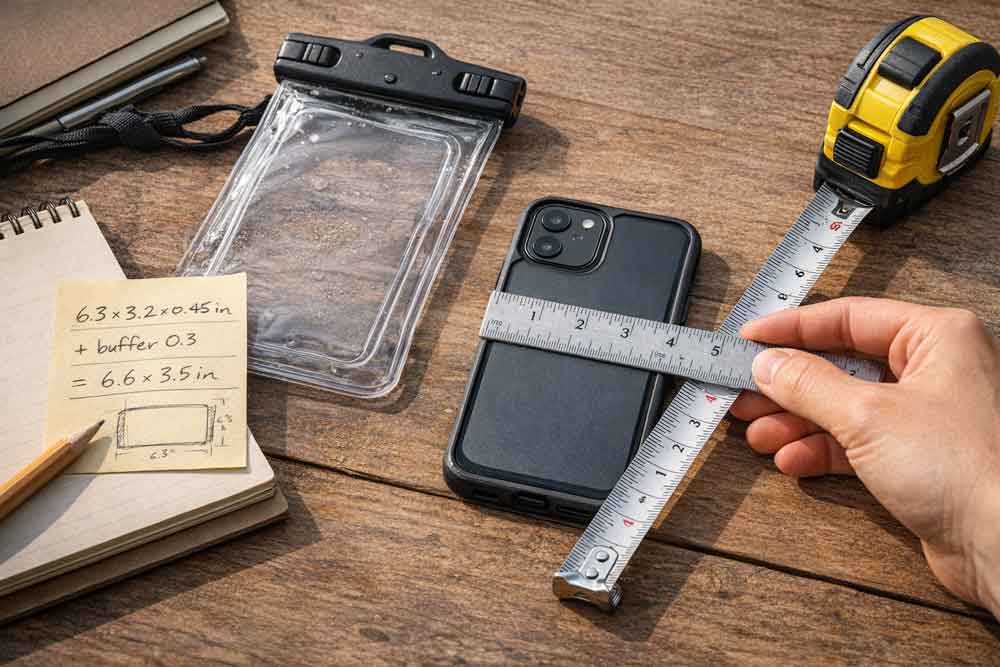
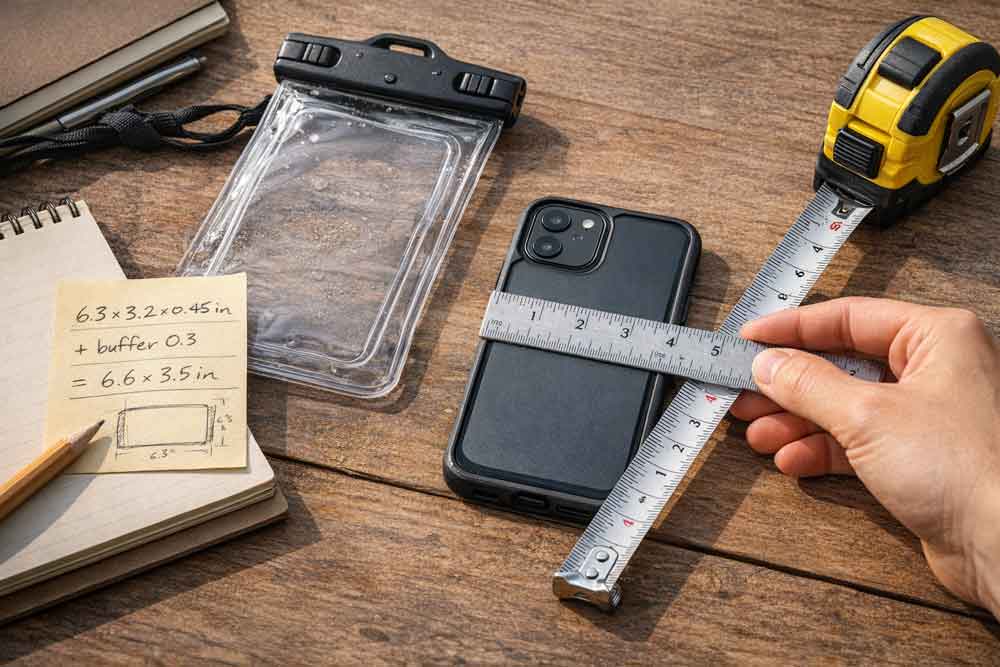
Measure height × width × depth (thickness) with your everyday case on. Record to the nearest millimeter or 1/16 inch.
Keep the phone flat on a table. Place the ruler square to the edges to avoid diagonal errors.
Note any protrusions (camera bump, ring grip, MagSafe wallet). These can push the effective thickness or width beyond the flat dimensions.
Tip: If you prefer metric, jot down millimeters first, then convert to inches only if the pouch specs use imperial. A quick mental check: 25.4 mm = 1 in.
Apply the clearance rule (0.2–0.5 in)
Add a clearance buffer to your height and width numbers—typically 0.2–0.5 in (about 5–12 mm). This makes insertion easier, helps the membrane sit smoothly over the screen, and reduces stress at the seal. Use the higher end (≈0.4–0.5 in / 10–12 mm) if you have a bulky case, accessories on the back, or you want faster insert/remove cycles between swims.
This is guidance, not a universal standard. Always verify against the pouch maker’s published interior size.
Compare to interior or max device size
Now match your buffered measurements to the product’s “interior dimensions” or “max device size.” Prefer interior dimensions when available; they reflect usable space and typically account for closure construction.
Example: If your phone-with-case measures 6.3 × 3.1 × 0.45 in (160 × 79 × 11 mm), add 0.3 in (8 mm) to height and width. You’ll compare roughly 6.6 × 3.4 in (168 × 87 mm) to the pouch’s interior height and interior width allowance. If the brand lists a combined width+depth limit (common), ensure your width plus thickness stays within that number.
Many reputable makers publish these specs. For instance, Aquapac lists explicit interior and “fits up to” dimensions on its product pages; an example is the “fits most phones up to” guidance on the Impact Max Floating and similar models. Retailer listings for zipper-closure pouches like Nite Ize RunOff also publish interior height × width × thickness for fit checks.
Measure, add clearance, then match to the pouch’s published interior size.
Decide your fit priorities
Choosing the right fit is about trade-offs: easy insertion vs. minimum bulk, case-on protection vs. membrane contact, camera alignment vs. interior slack. Start with your use case—surface swimming, shallow dives, or relaxed snorkeling with frequent photo stops.
Case on vs. case off for tight pouches
Use this compact decision flow to resolve borderline fits:
Start case-on if your measured-with-buffer dimensions are within the pouch’s interior specs and the seal closes without force.
If the opening feels tight or you see any gap at the seal, remove protruding accessories (rings, wallets). If still tight, either size up one category (Standard → Large/XL) or switch to case-off for this pouch.
If camera alignment or touchscreen responsiveness suffers because the membrane is pulled taut, size up or run case-off for photo-heavy sessions. Retest with a small air adjustment (see “Adjust air” below).
This neutral framework keeps priorities clear: seal integrity first, then usability. Run case-on when it fits cleanly; go case-off only if a tight opening or distorted membrane forces the choice; if neither resolves the issue, step up to a larger pouch.
Touchscreen, camera, and accessories trade-offs
Underwater touch can be unreliable across phones and membranes. Plan to trigger the camera with physical buttons when submerged—on iPhone, pressing either volume button captures a photo as documented in Apple’s camera guide. Many Android phones let you map volume keys to shutter in the Camera settings. Bulky grips or wallets might block clean sealing; remove them or size up.
Standard vs. Large/XL pouch categories
Manufacturers often group pouches as Standard, Large, or XL. Standard usually fits compact phones or larger phones without bulky cases. Large/XL adds height/width slack for thick cases, grips, or quicker insert/remove cycles. For snorkeling, sizing up one category can improve camera stability and reduce strain on the seal, as long as the device doesn’t swim around inside the pouch.
Protection and seals
A correct size won’t help if the protection rating and closure are mismatched to your activity. Consider both the IP rating and how the closure design affects usable interior length.
IPX7 vs IPX8 in real life
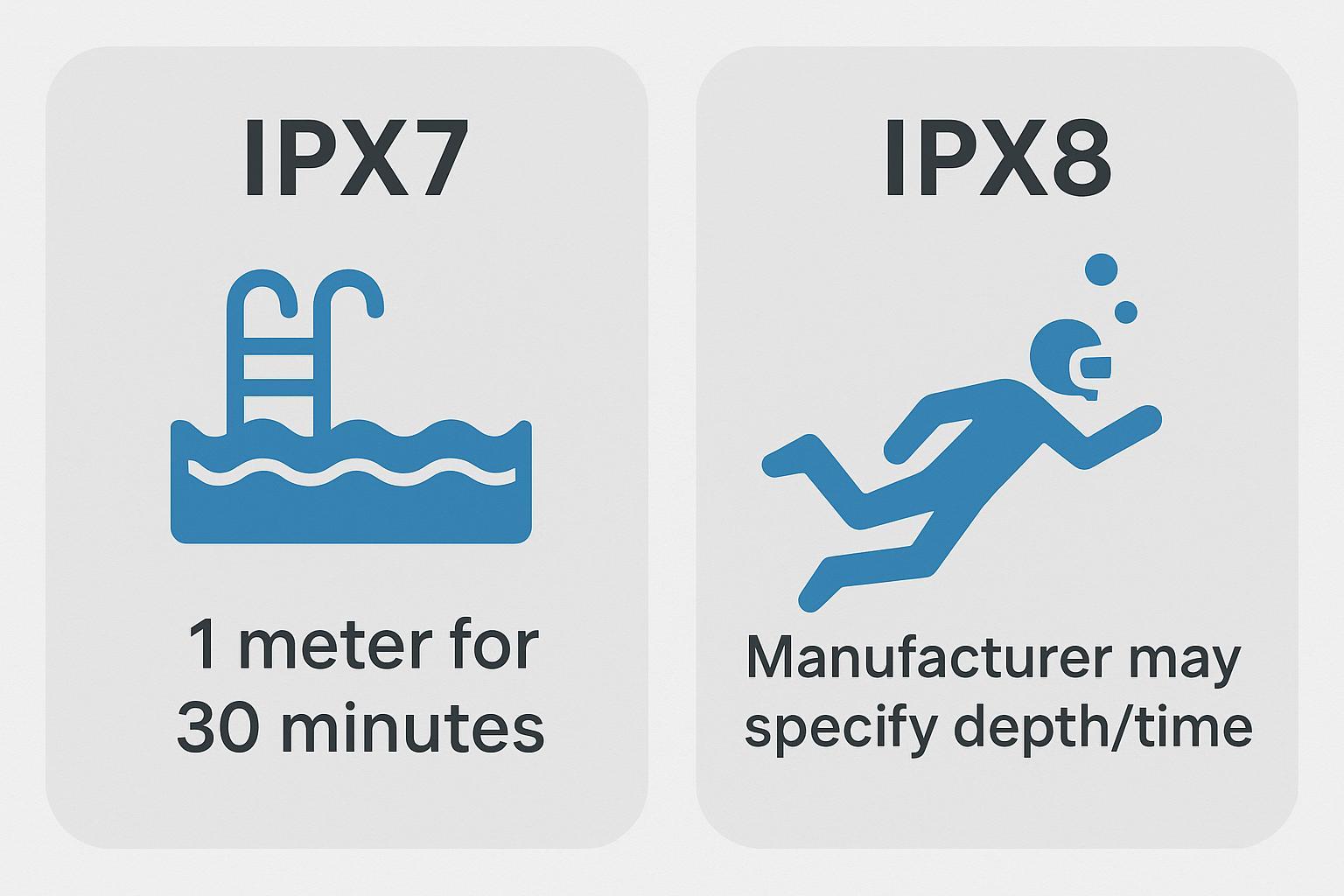
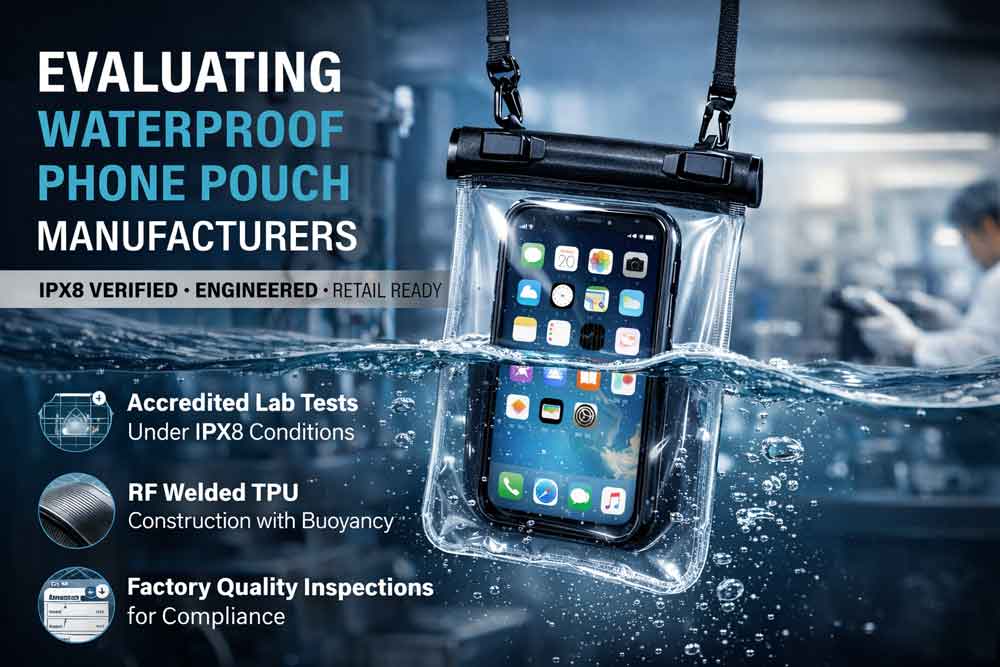
IP ratings describe lab-tested immersion conditions. In practice, waves, motion, and saltwater narrow the margin. IPX7 protects against immersion up to about 1 meter for 30 minutes under test conditions. IPX8 exceeds IPX7, with depth and duration set by the manufacturer—check the stated limits for your exact pouch. For swimmers and especially for IPX8 snorkeling scenarios, favor IPX8 and remain within the maker’s depth/time guidance from their spec sheet. You can confirm these definitions in accessible explainers such as the testing lab summary of IPX7 and IPX8 immersion and an electronics distributor’s IP ratings guide.
IPX7 handles brief shallow submersion; IPX8 supports deeper or longer immersion as specified by the maker.
Seal mechanisms and usable interior length
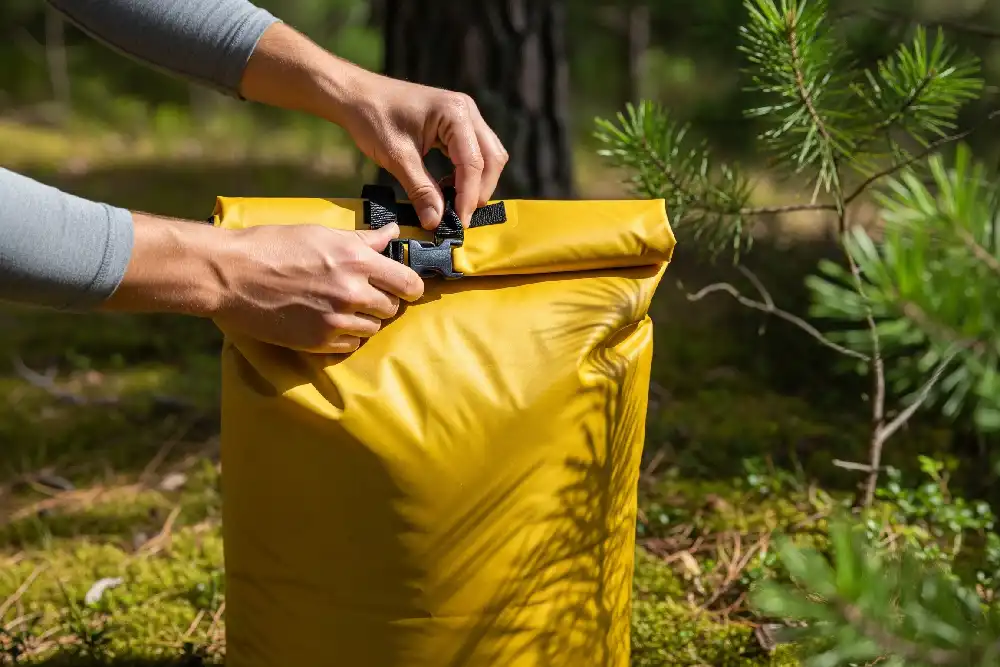
Common closures include clamp/snap locks, zip tracks, and roll-tops. Published interior dimensions typically reflect the true usable space regardless of closure style. For roll-tops, remember you must fold the top several times, which effectively shortens usable height once sealed. If a listing doesn’t provide interior dimensions, choose the conservative path: size up and verify fit on arrival before water use. For example references and how interior dimensions are presented, compare product pages that list interior “fits up to” dimensions such as Aquapac’s case listings, and retailer pages for zipper pouches like the Nite Ize RunOff line on REI—which publish interior height, width, and thickness for fit checks.
Validate before water
Before trusting your phone to the ocean, run a no-risk validation. Think of it as a quick pre-dive checklist.
Dry leak test and first-fit check
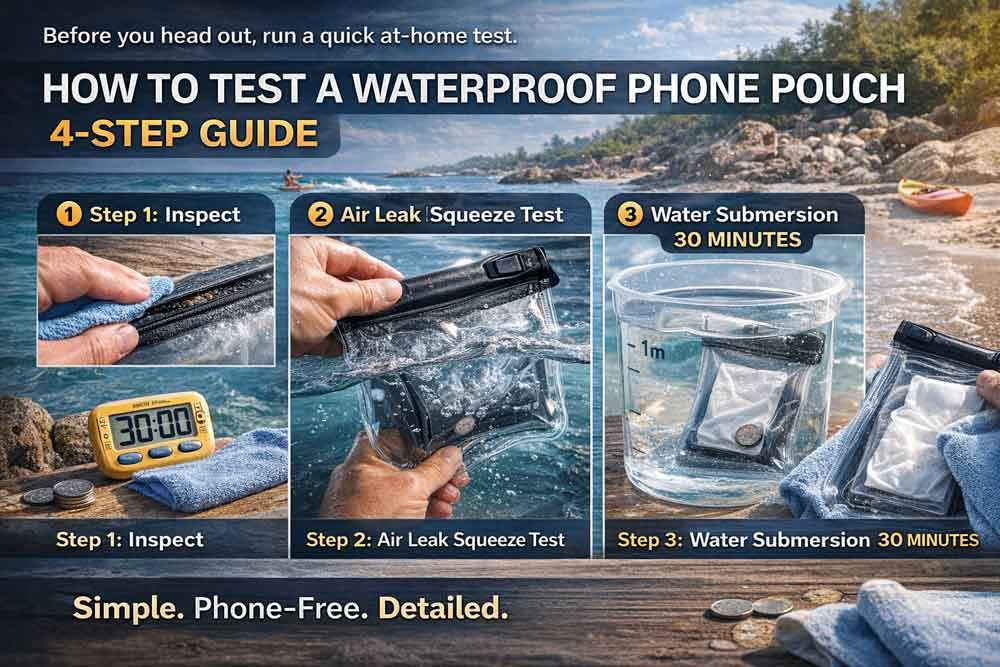
Do a “dry leak test waterproof pouch” routine with tissue inside the pouch:
Place a dry tissue or paper towel inside and seal per the instructions. Ensure the closure is even and fully seated.
Rinse the sealed pouch under running water, especially across seams and the closure.
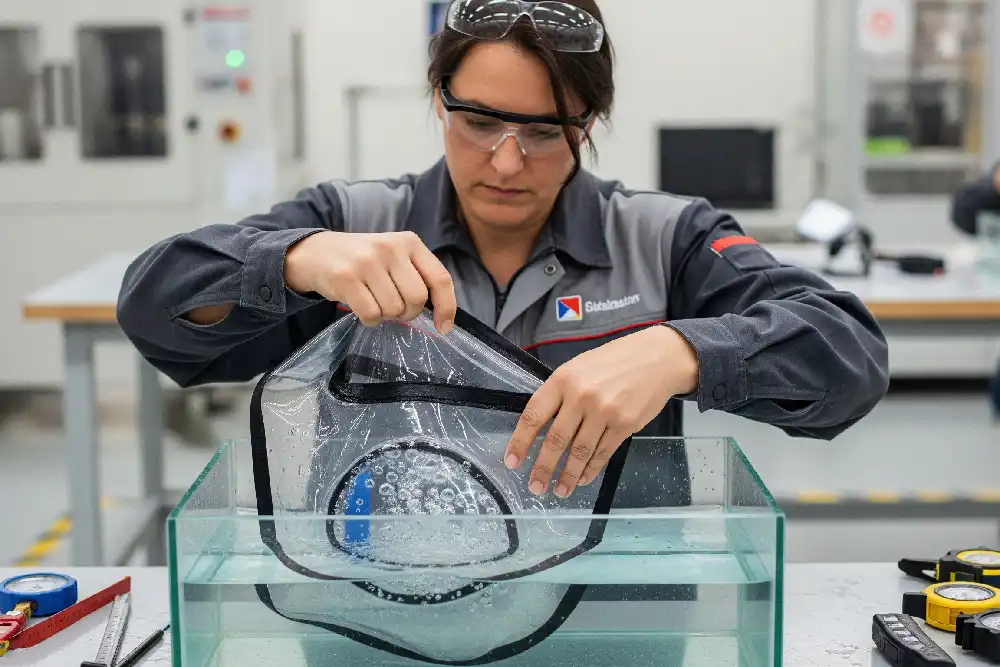
Submerge in a bucket or sink for 10–15 minutes. Dry the exterior, then open over a clean, dry surface.
Inspect the tissue. Any dampness is a fail. Clean debris from the seal area, re-seat, and retest. Persistent leaks? Stop using the pouch and contact the seller. This simple test is recommended by consumer testing outlets such as a major magazine’s waterproof case guide and echoed by outdoor gear reviewers who suggest a 10–15 minute submersion with tissue, as in this step-by-step method.
Acceptance check on first fit: your phone (with the case you plan to use) should slide in and the pouch should close without force. The seal should look uniform with no gaps or wrinkled material trapped in the mechanism.
Adjust air for float and screen clarity
Trapped air affects buoyancy and touch clarity. A bit more air increases float near the surface—handy for swimmers and snorkelers—but can reduce membrane contact with the screen. A bit less air sharpens touch responsiveness and reduces glare but cuts buoyancy. After passing the dry test, experiment in shallow water to find your balance.
Conclusion
Measure with the case you actually use, add a 0.2–0.5 in clearance, and match your result to the pouch’s interior dimensions. Consider IP rating and closure style, especially if you plan IPX8 snorkeling or roll-top sealing. Before any real swim, do a dry leak test and confirm the first fit. When you upgrade phones or cases, recheck the specs and repeat this quick sizing process so your next session goes smoothly.
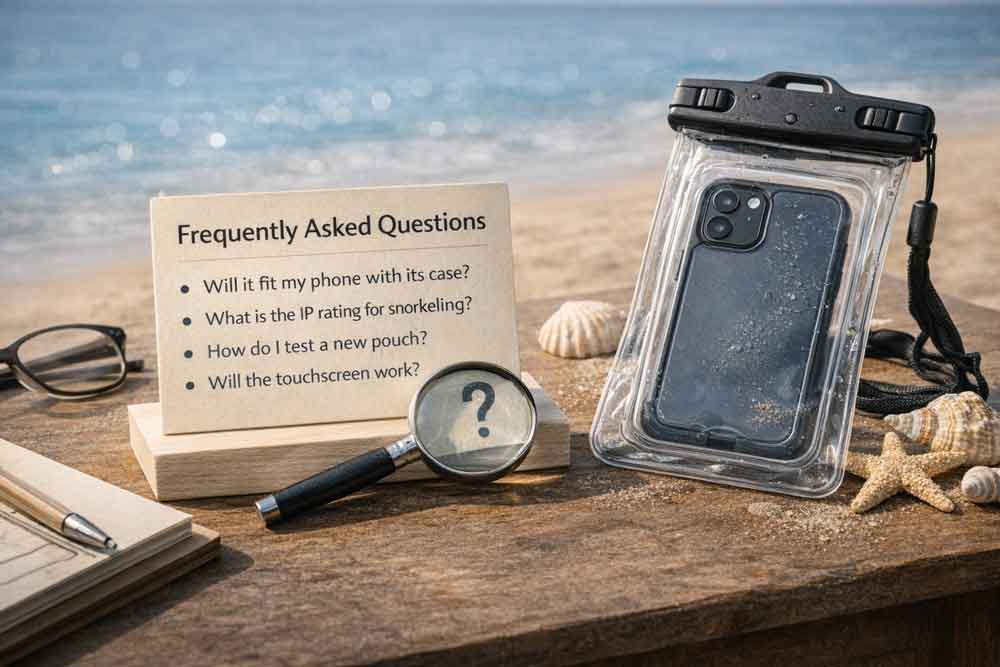
Frequently asked questions
Q1: How can I be sure a pouch will fit my phone with its case?
Measure your phone with the everyday case (height × width × depth), add a 0.2–0.5 in (≈5–12 mm) clearance, and compare those numbers to the pouch’s published interior dimensions or “fits up to” specs; many manufacturers list interior sizes for precise checks (example product pages show interior height × width × depth). See how brands publish interior sizes for fit checks on sites like Aquapac product pages.
Q2: Which IP rating is safe for snorkeling versus casual swimming?
For brief accidental drops or shallow swims, IPX7 (immersion to ~1 m for 30 minutes) can be adequate; for repeated or deeper submersion such as snorkeling, prefer IPX8 and follow the manufacturer’s stated depth/time limits—IPX8 conditions are set by the maker and vary by model
Q3: How should I test a new pouch before risking my phone?
Perform a simple dry-leak routine: place a dry tissue inside, seal the pouch, rinse seams under running water, then submerge for 10–15 minutes; open over a dry surface—any dampness on the tissue is a fail. Consumer testing outlets recommend this tissue submersion method as a low-risk validation before first use
Q4: Will the touchscreen and camera work through the pouch?
Many pouches maintain enough membrane contact for basic touch, but responsiveness varies—plan to use physical shutter controls when needed (for iPhone, the volume buttons can act as a shutter). If touch feels unreliable, reduce trapped air for closer membrane contact or use hardware buttons per device guidance
Q5: Should I expect my pouch to float, and how does air affect performance?
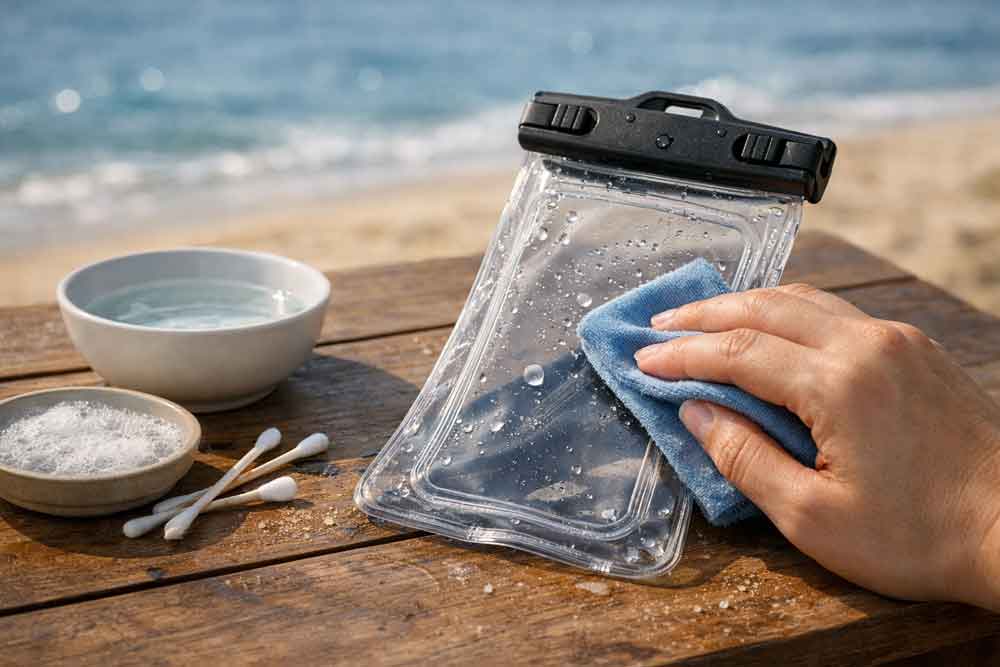
Some pouches are designed to float and adding a little trapped air increases surface buoyancy, which helps if you drop the pouch; more air can reduce screen contact and touch responsiveness, so after passing your dry test, experiment in shallow water to balance float vs. membrane contact. Rinse and care for pouches after saltwater exposure to protect seals and materials
Further reading with examples and definitions:
Immersion ratings explained in plain language: testing lab overview of IPX7 vs. IPX8 and an electronics distributor’s IP ratings explainer.
How interior dimensions are presented: brand pages that list “fits up to” sizes (e.g., Aquapac product listings) and retailer listings for zipper pouches like the Nite Ize RunOff case on REI, which publish interior height × width × thickness.




Comments are closed